
 https://blog.hdtvsupply.com/wp-content/uploads/2026/10/conference-room-av-checklist-for-smarter-clearer-meetings.jpg
768
1376
Kent Christian
https://blog.hdtvsupply.com/wp-content/uploads/2025/12/logo-blank.png
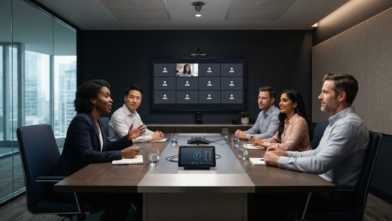
Kent Christian2026-10-31 00:00:002026-11-11 23:49:56Conference Room AV Checklist for Smarter, Clearer Meetings
 https://blog.hdtvsupply.com/wp-content/uploads/2026/10/digital-signage-matrix-switcher-how-av-signals-connect.jpg
768
1376
Kent Christian
https://blog.hdtvsupply.com/wp-content/uploads/2025/12/logo-blank.png
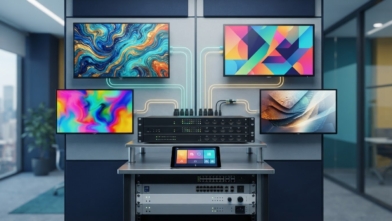
Kent Christian2026-10-30 00:00:002026-10-30 00:58:01Digital Signage Matrix Switcher: How AV Signals Connect
 https://blog.hdtvsupply.com/wp-content/uploads/2026/10/4-common-video-wall-installation-mistakes-that-disrupt-setup.jpg
768
1376
Kent Christian
https://blog.hdtvsupply.com/wp-content/uploads/2025/12/logo-blank.png
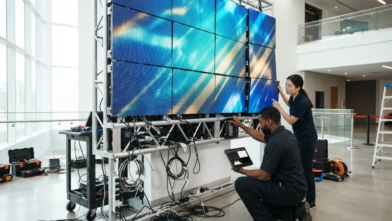
Kent Christian2026-10-29 00:00:002026-11-05 10:02:204 Common Video Wall Installation Mistakes That Disrupt Setup
 https://blog.hdtvsupply.com/wp-content/uploads/2026/10/av-integration-checklist-for-reliable-scalable-setups.jpg
768
1376
Kent Christian
https://blog.hdtvsupply.com/wp-content/uploads/2025/12/logo-blank.png
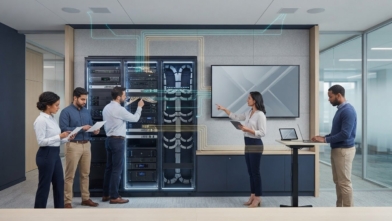
Kent Christian2026-10-28 00:00:002026-11-07 06:34:52AV integration checklist for reliable, scalable setups
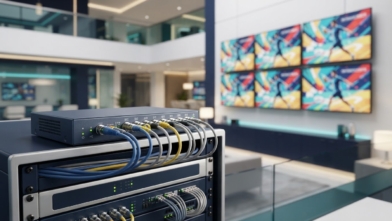 https://blog.hdtvsupply.com/wp-content/uploads/2026/10/commercial-video-distribution-amplifier-services-for-av-systems.jpg
768
1376
Kent Christian
https://blog.hdtvsupply.com/wp-content/uploads/2025/12/logo-blank.png
Kent Christian2026-10-27 00:00:002026-11-05 04:21:50Commercial Video Distribution Amplifier Services for AV Systems
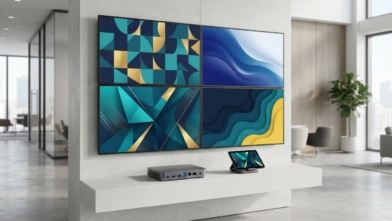 https://blog.hdtvsupply.com/wp-content/uploads/2026/10/commercial-digital-signage-player-platforms-and-features.jpg
768
1376
Kent Christian
https://blog.hdtvsupply.com/wp-content/uploads/2025/12/logo-blank.png
Kent Christian2026-10-26 00:00:002026-11-01 07:07:23Commercial Digital Signage Player Platforms and Features
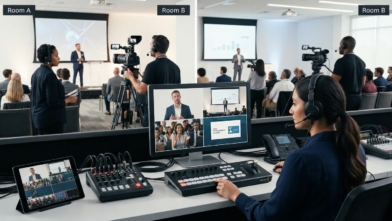 https://blog.hdtvsupply.com/wp-content/uploads/2026/10/Ways-to-Manage-Multiple-Video-Sources-for-Event-Coverage-Hero-Image.jpg
768
1376
Kent Christian
https://blog.hdtvsupply.com/wp-content/uploads/2025/12/logo-blank.png
Kent Christian2026-10-25 10:00:002026-11-03 08:02:38Ways to Manage Multiple Video Sources for Event Coverage
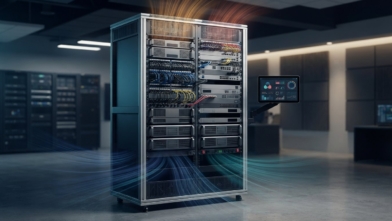 https://blog.hdtvsupply.com/wp-content/uploads/2026/10/AV-Rack-Cooling-Manage-Heat-with-Fans-and-Monitoring-Hero-Image.jpg
768
1376
Kent Christian
https://blog.hdtvsupply.com/wp-content/uploads/2025/12/logo-blank.png
Kent Christian2026-10-24 10:00:002026-10-28 22:02:30AV Rack Cooling: Manage Heat with Fans and Monitoring
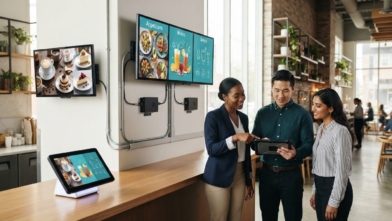 https://blog.hdtvsupply.com/wp-content/uploads/2026/10/how-to-choose-digital-menu-board-screens-and-players.jpg
768
1376
Kent Christian
https://blog.hdtvsupply.com/wp-content/uploads/2025/12/logo-blank.png
Kent Christian2026-10-23 00:00:002026-10-28 00:06:34How to Choose Digital Menu Board Screens and Players